đź§Ş BETA TESTING PROGRAM

Join the Neuroeasee Beta

Help us shape the future of personalized wellness. Test early features, provide feedback, and be part of our journey.

How to Join Our TestFlight Beta

Follow these simple steps to start testing Neuroeasee and share your valuable feedback

1

Install TestFlight

TestFlight is Apple's official beta testing platform. If you don't have it already, download it for free from the App Store.
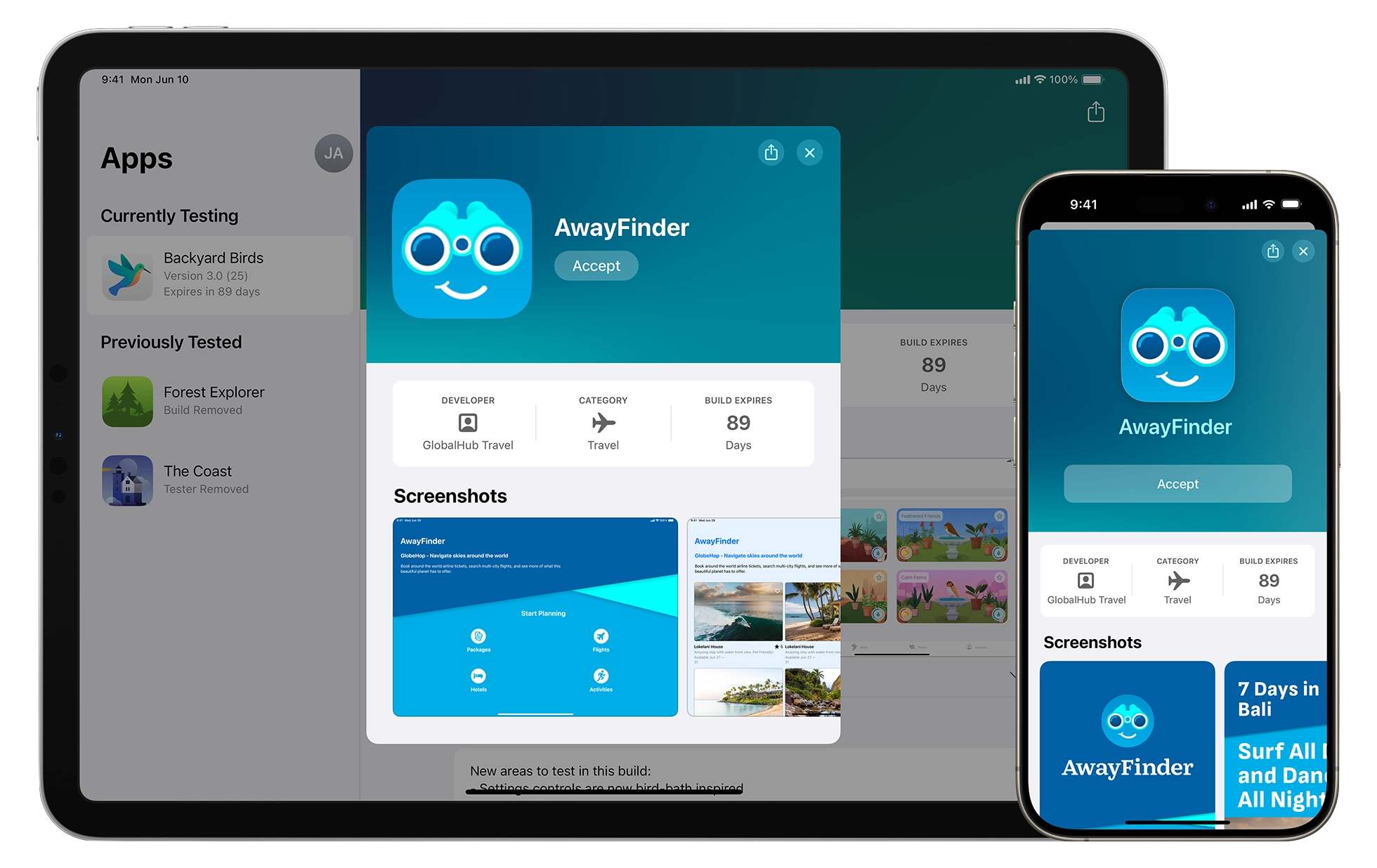
TestFlight App

What is TestFlight?
TestFlight is Apple's official app for testing beta versions of iOS apps. It's completely free and safe to use. Learn more at testflight.apple.com

Download TestFlight from App Store

Requirements: iOS 13.0 or later • Compatible with iPhone and iPad

2

Join Neuroeasee Beta

Once TestFlight is installed, tap the button below or use the invitation link to join our beta testing program.

⚠️ Important: Beta versions are for testing purposes. You may experience bugs or unexpected behavior. Your feedback helps us improve!
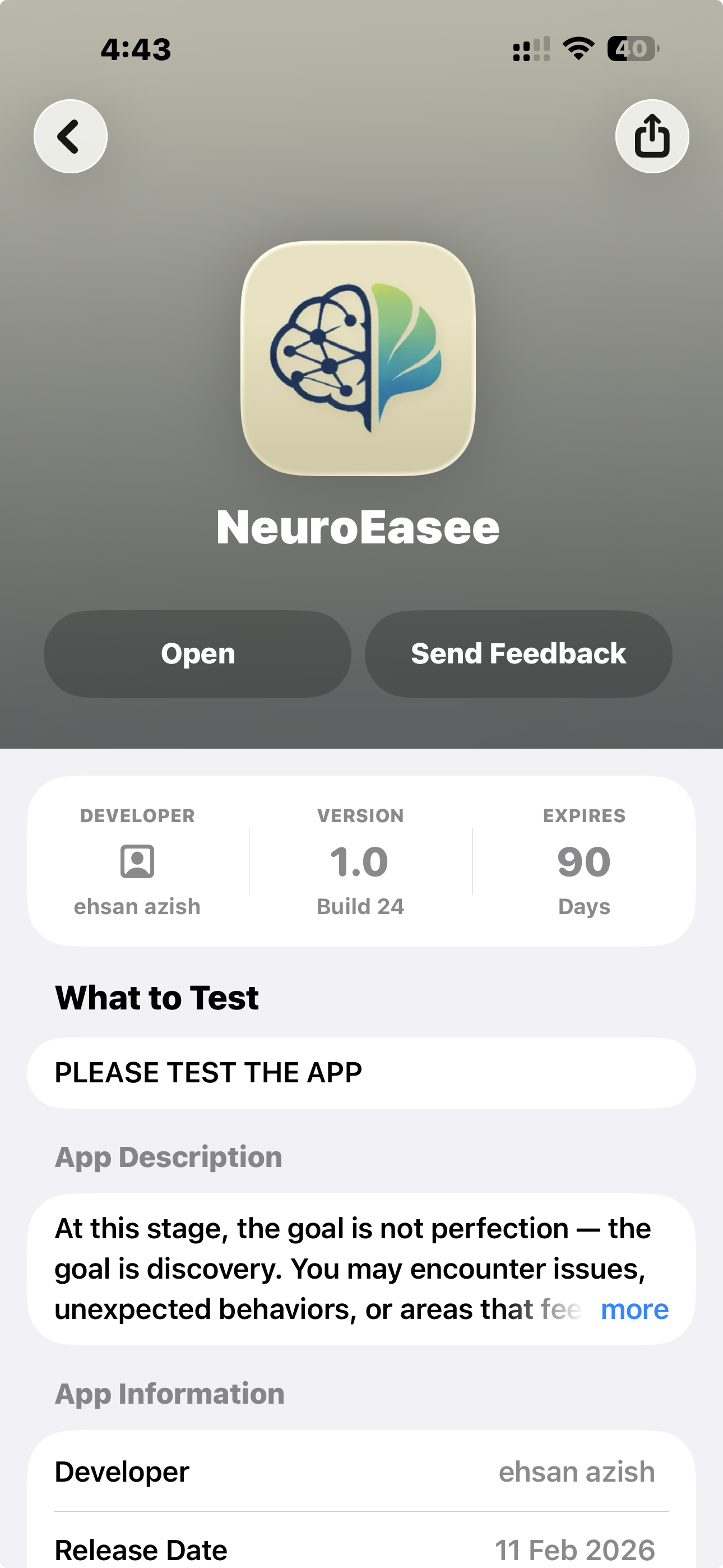
Neuroeasee on TestFlight
Join Neuroeasee Beta on TestFlight
  • Tap the link on your iPhone or iPad
  • TestFlight will open automatically
  • Tap "Accept" to join the beta program
  • Tap "Install" to download Neuroeasee beta
3

Start Testing & Share Feedback

Once installed, open Neuroeasee and start exploring! Your feedback is invaluable in helping us create the best possible experience.

How to Share Feedback:

  • Within the App (Recommended): Open Neuroeasee → Go to Settings → Tap the Feedback button to report issues or suggest improvements
  • Via TestFlight: Open TestFlight, select Neuroeasee, and tap "Send Beta Feedback"
  • Email Us: Contact us directly at contact@neuroeasee.co.uk

What to Test:

  • Complete the initial 5-minute setup process
  • Try the one-week calibration with mindfulness sessions
  • Check real-time body awareness features
  • Review personalized insights and suggestions
  • Test Apple Watch integration and HRV monitoring
  • Explore sleep integration features

What to Report:

  • Bugs or crashes you encounter
  • Features that are confusing or unclear
  • Suggestions for improvements
  • Issues with Apple Watch connectivity
  • Anything that doesn't feel right

Beta Testing FAQs

Is beta testing free?

Yes! Beta testing is completely free. We're grateful for your time and feedback in helping us improve Neuroeasee.

How long does the beta last?

The beta period varies, but your access remains active throughout our testing phase. You'll automatically receive the official App Store version when it launches.

Will I lose my data when the app launches officially?

Yes and No. When you update to the official version, all your calibration data and settings will be reset but the data will remain on your device.

Can I stop beta testing anytime?

Absolutely. Open TestFlight, select Neuroeasee, scroll down, and tap "Stop Testing". You can rejoin anytime using the invitation link.

Do I need an Apple Watch?

Yes. Neuroeasee requires an Apple Watch for continuous heart rate monitoring and HRV measurements during mindfulness sessions.

How often are beta updates released?

We release updates regularly based on feedback and improvements. TestFlight will notify you when new versions are available.

Is my health data safe during beta testing?

Absolutely. All your health data stays on your device. We don't collect, store, or share any personal health information—even during beta testing.

What if I find a critical bug?

Please report it immediately through the app's "Send Feedback" feature or email us at contact@neuroeasee.co.uk. We'll address critical issues as quickly as possible.

Ready to Get Started?

Join our beta community and help shape the future of personalized wellness

Join Beta Testing Now

Need help? Contact our support team

For more information about TestFlight and Apple's beta testing program:

Visit testflight.apple.com